February 10, 2026
Planning a 30A vacation rental sounds simple until you start looking. Suddenly, there are dozens of homes, multiple communities, and more features than you remembered to care about.
The good news? There isn’t a single “correct” way to search. Some travelers start with a favorite neighborhood. Others lead with a non-negotiable, like a private pool. Some already have their dates locked and just need something available: yesterday.
Oversee’s website is built to support all of those planning styles. It doesn’t funnel guests into one narrow path or reward endless scrolling.
This guide shows how to use Oversee’s tools with intention, so finding the right home feels efficient, informed, and refreshingly calm.
IF THE COMMUNITY MATTERS MOST
START WITH LOCATION
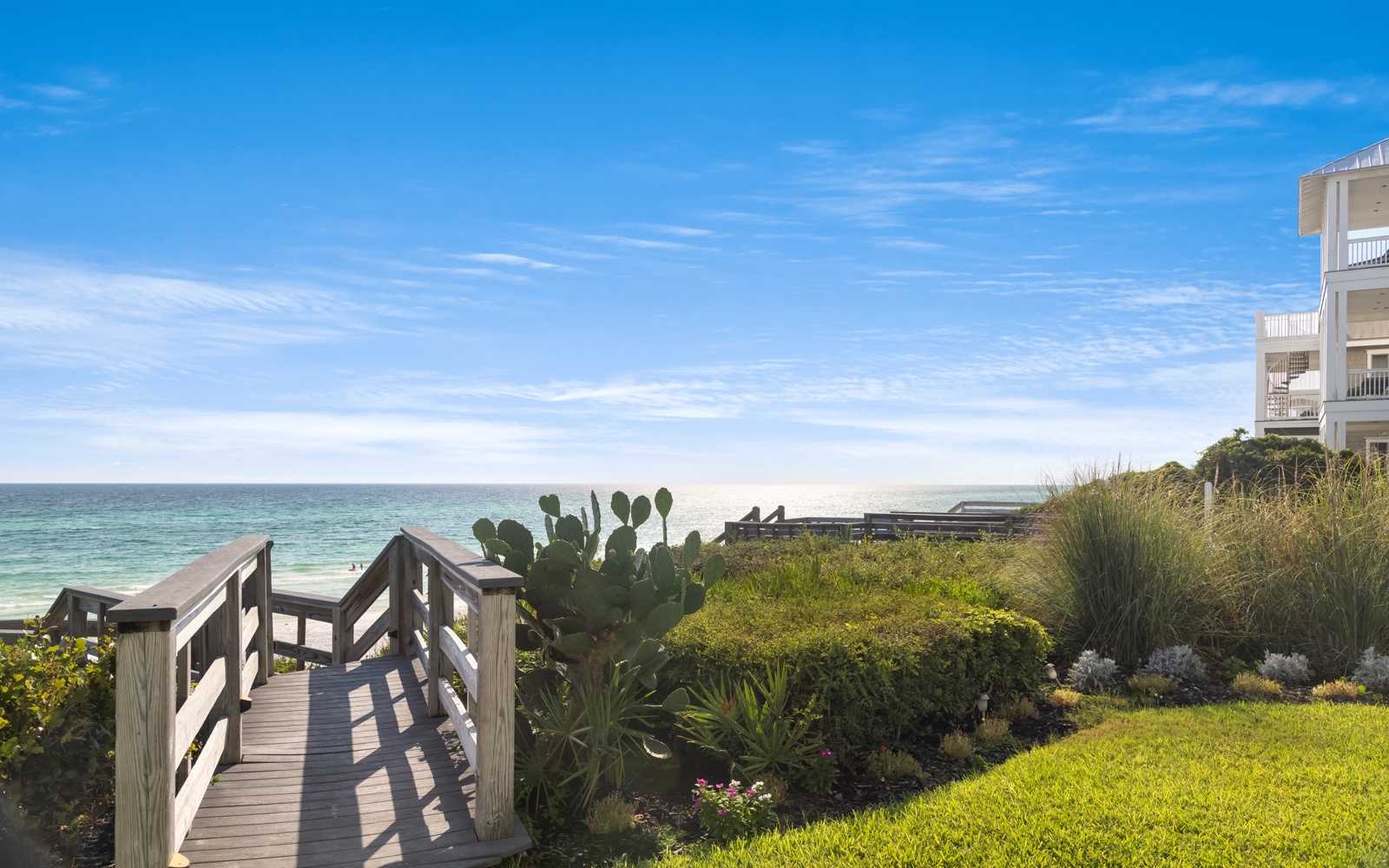
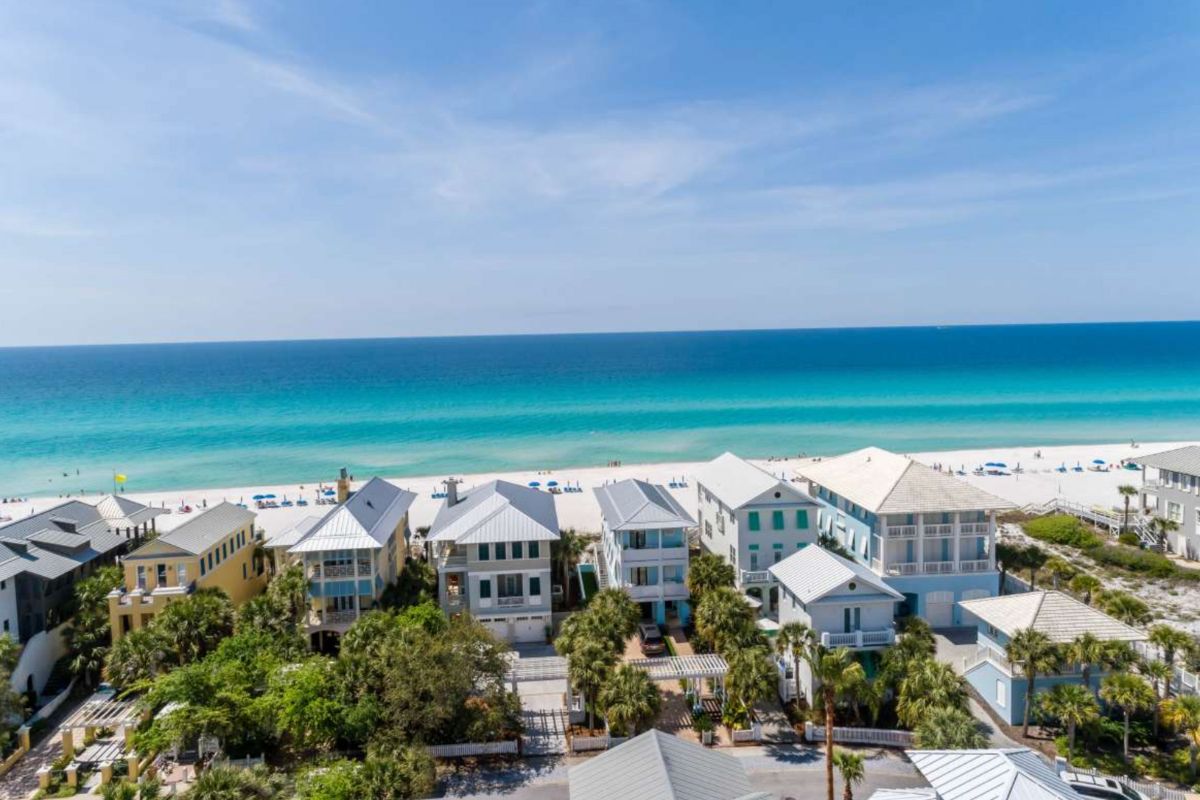
If the feel of a place matters as much as the home itself, starting with a specific area is a smart move. Oversee’s area pages are designed to give context, not homework. Each page sets the tone before asking you to make decisions.
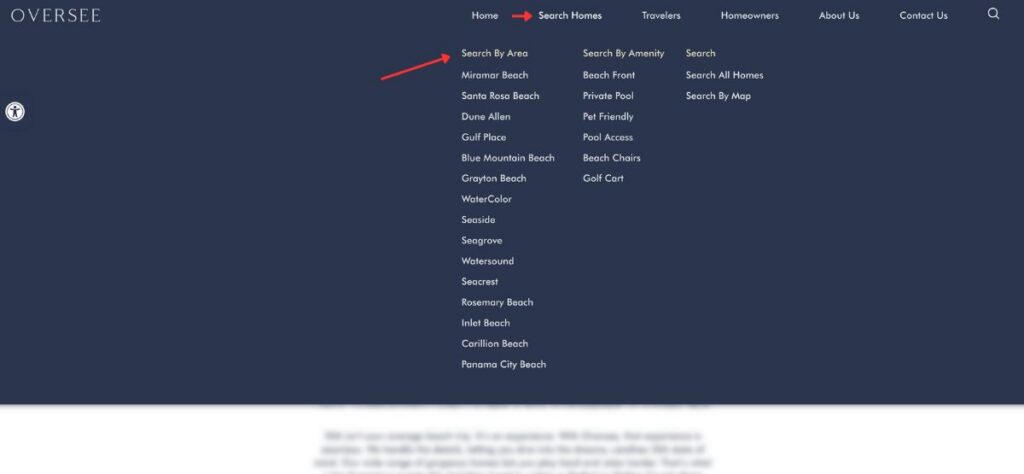
An an area page brings together what matters most:
• a search box tailored to that area, including dates and guest count
• a curated set of featured homes, plus an easy way to see everything available
• a snapshot of the area’s personality and pace
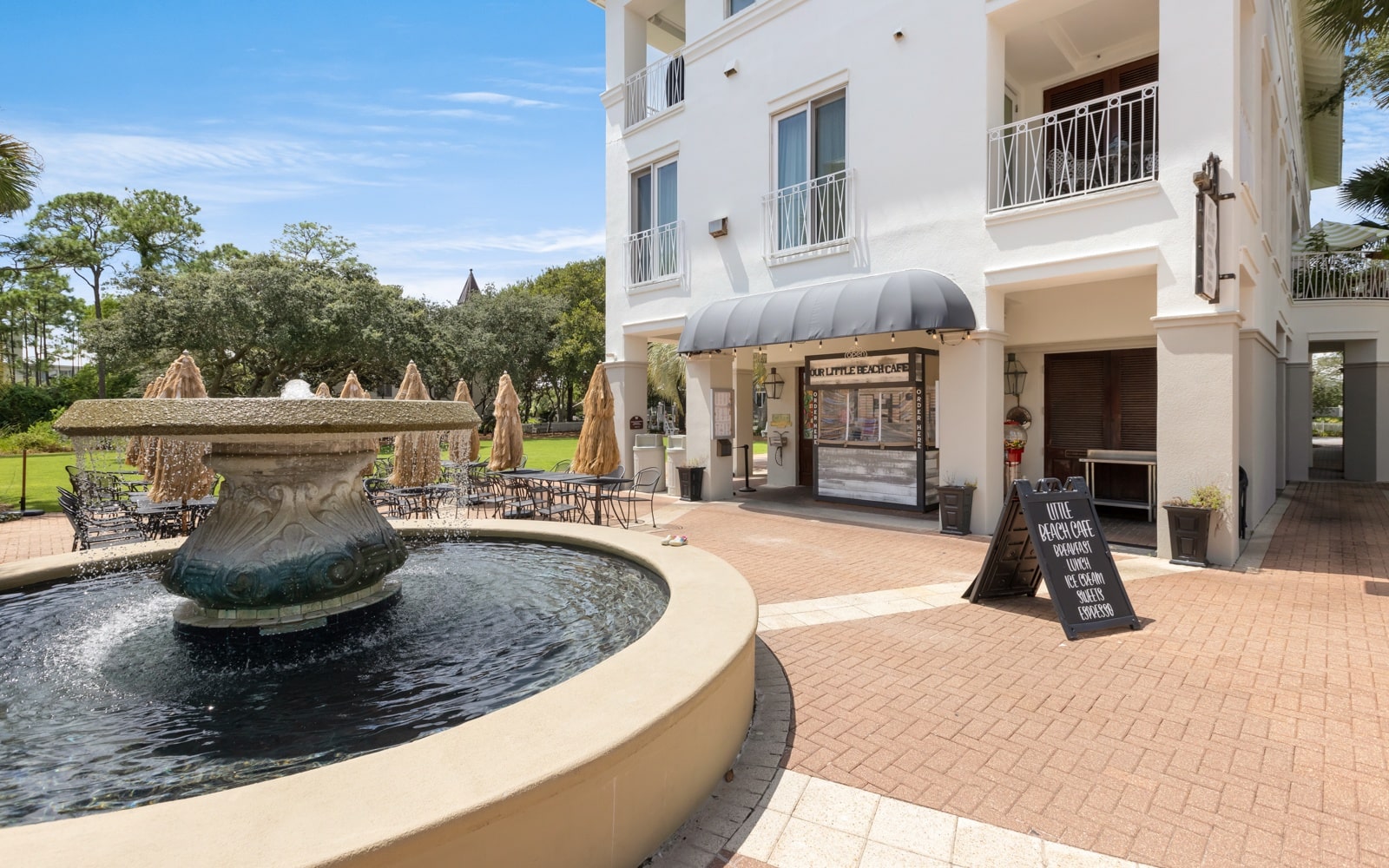
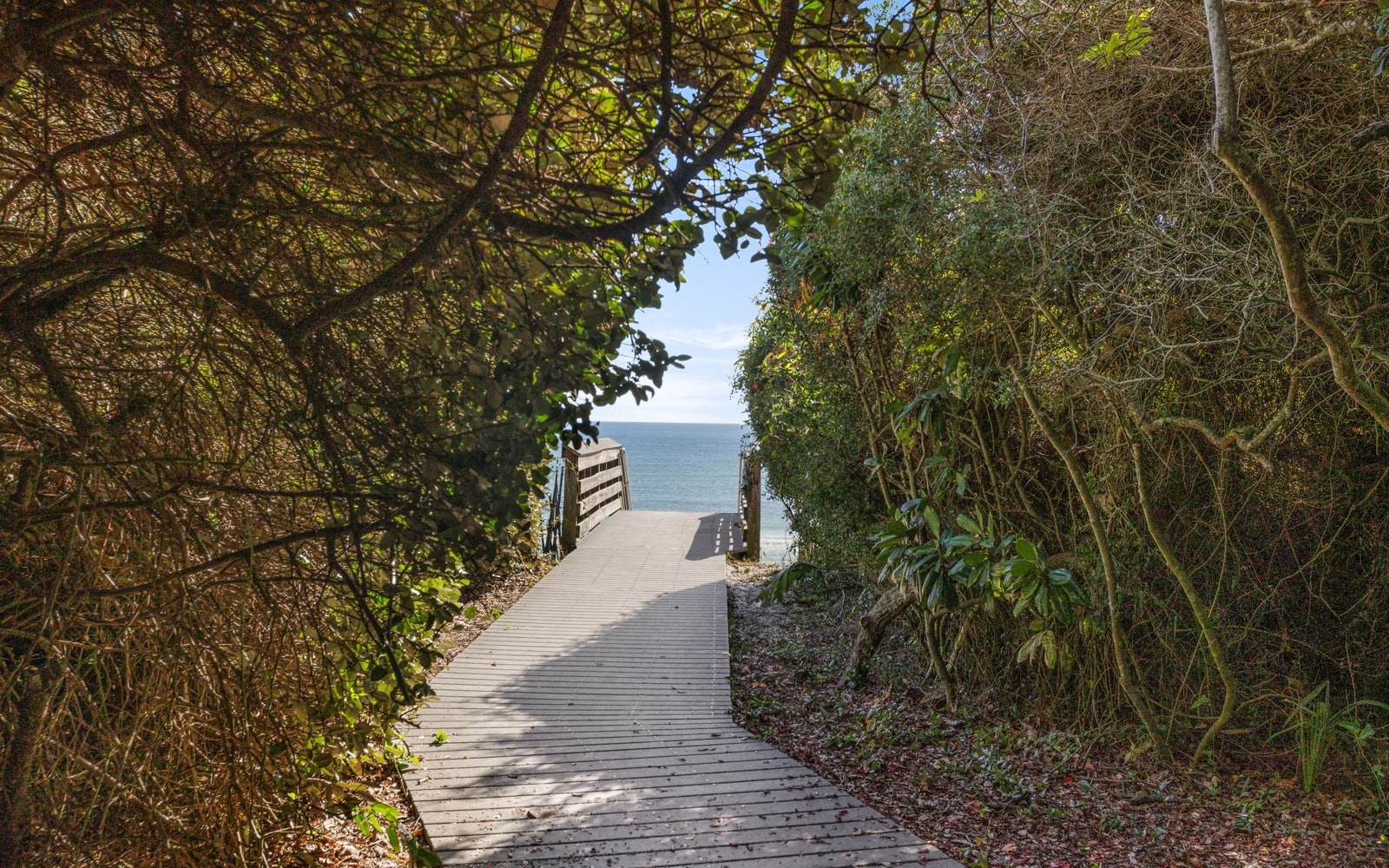
• nearby dining, beach access points, and local happenings
• related blog stories connected to that community
It’s a quick way to understand what staying there actually feels like—without committing to anything.
Area-first planning works especially well for:
• first-time visitors comparing different 30A communities
• travelers who care more about atmosphere than exact pricing
• guests who want a sense of place before narrowing options
Search By Area:
- Miramar Beach
- Santa Rosa Beach
- Dune Allen
- Gulf Place
- Blue Mountain Beach
- Grayton Beach
- WaterColor
- Seaside
- Seagrove
- Watersound
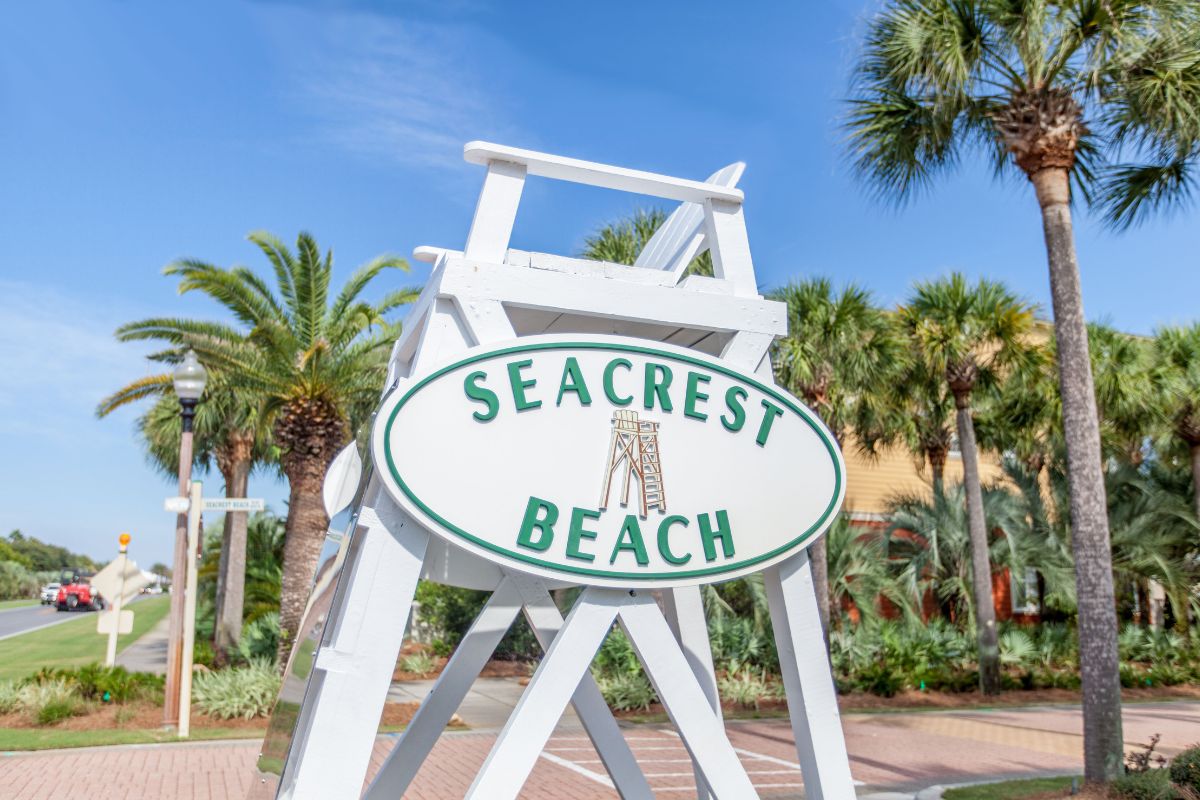
- Seacrest
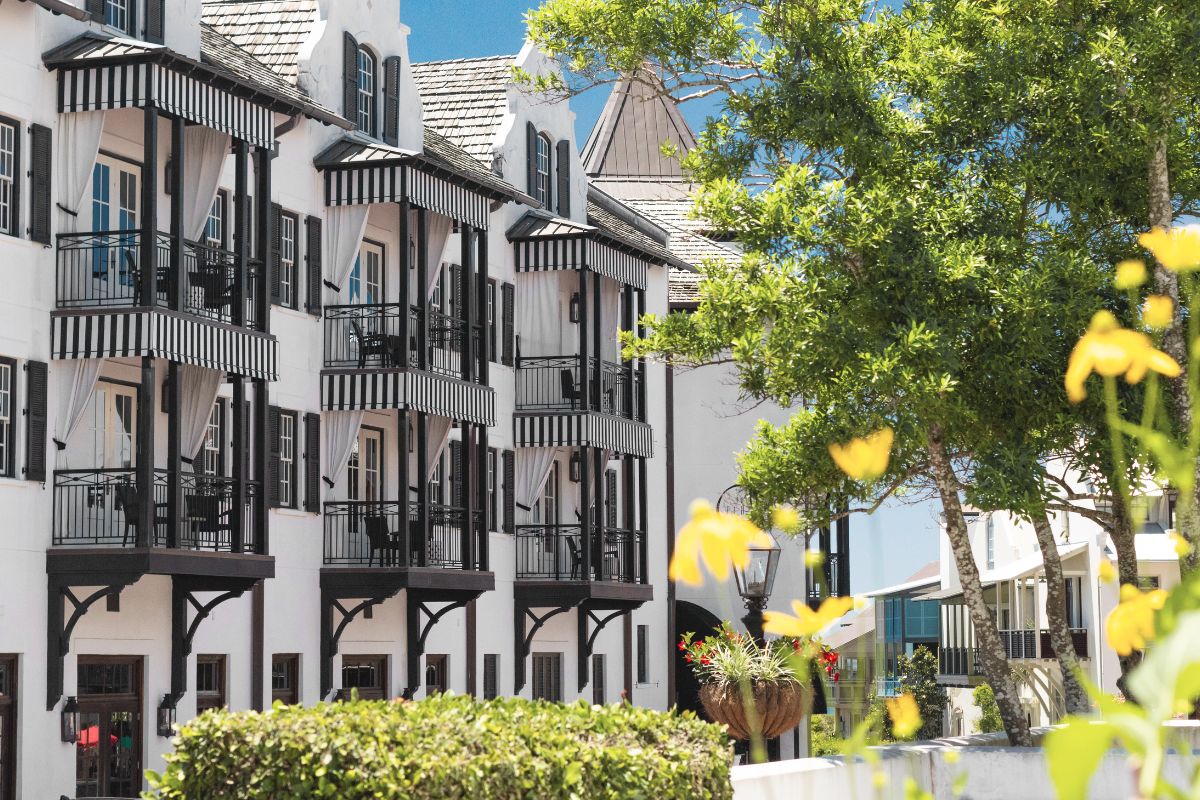
- Rosemary Beach
- Inlet Beach
- Carillion Beach
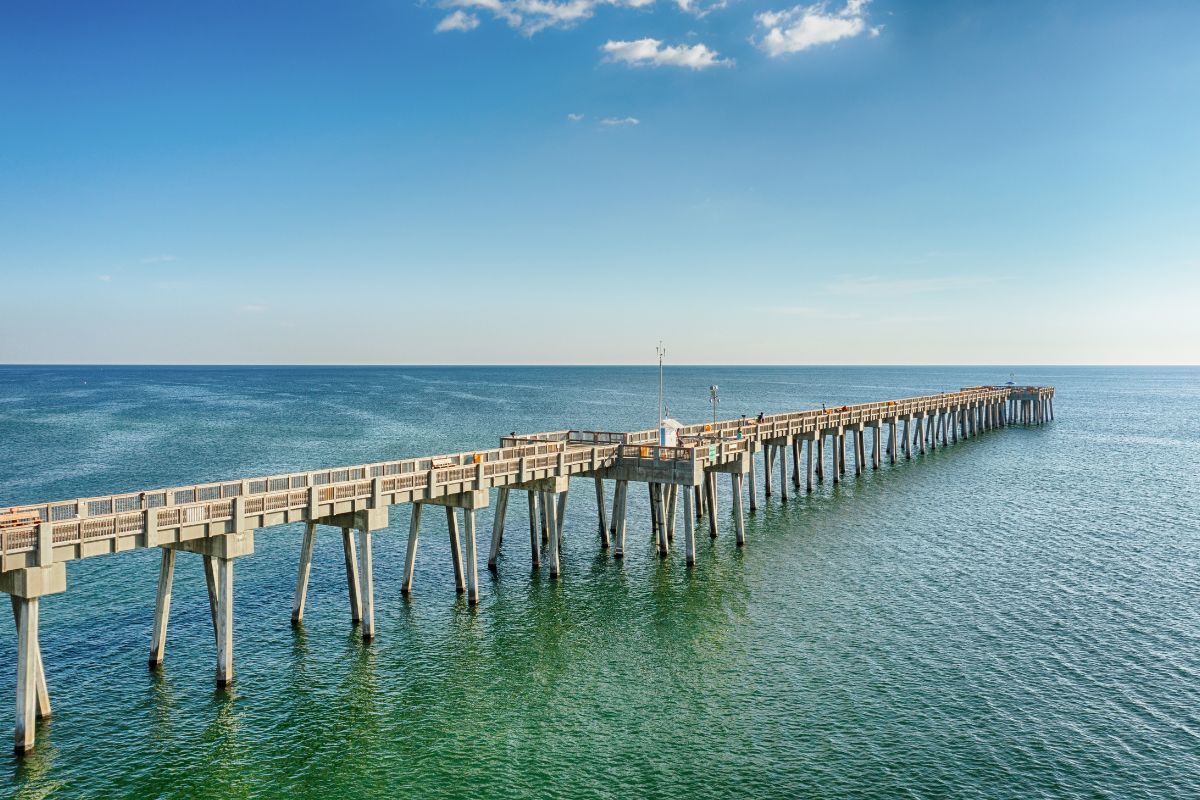
- Panama City Beach
IF MUST-HAVE FEATURES MATTERS MOST
START WITH AMENITY PAGES
Some trips come with requirements. Not preferences, requirements. Oversee’s amenity pages are built for that kind of clarity. They act as shortcuts, not extra steps.
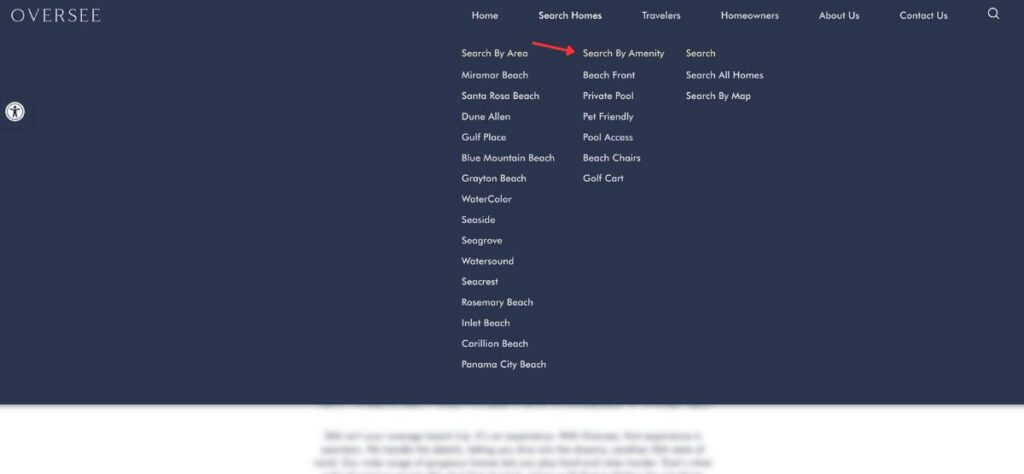
Who amenity-first search works best for:
• families needing a pool or easy beach access
• guests traveling with pets
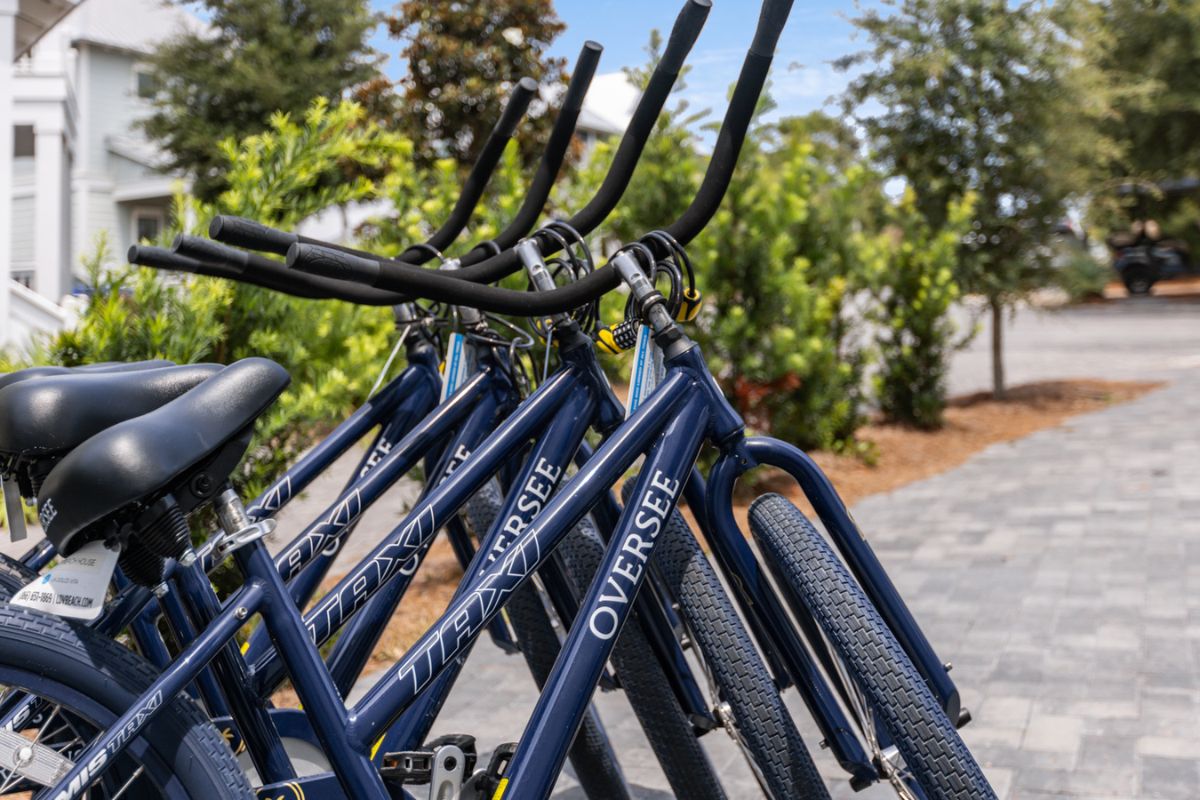
• groups wanting bikes, golf carts, or beach chairs included
• anyone with features that can’t be compromised
How amenity pages work on Oversee.us
Each amenity has its own dedicated page and search experience. Featured homes appear first, followed by the full collection. Instead of manually filtering dozens of listings, guests can focus only on homes that already meet their needs.
Search By Amenity:
KNOW YOUR DATES?
USE THE GLOBAL SEARCH FIRST
When travel dates are fixed, availability should lead the process. The global search removes unavailable homes instantly, saving time and false hope.
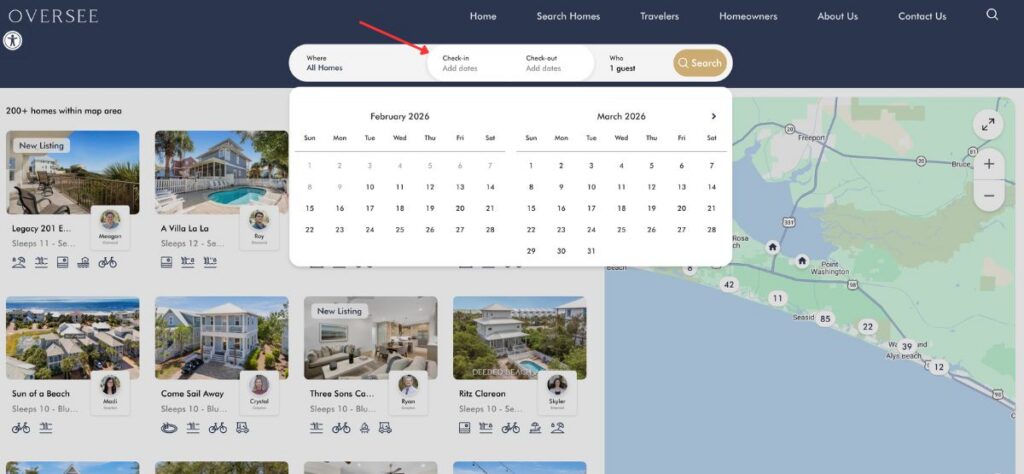
This approach works especially well for:
• trips with firm dates
• last-minute getaways
• flexible locations with non-flexible timing
Dates narrow options faster than any other filter, and starting here keeps the search efficient from the start.
USE FILTERS TO FINE-TUNE YOUR RESULTS
WITHOUT OVERDOING IT
Filters are helpful tools, not a test of endurance.
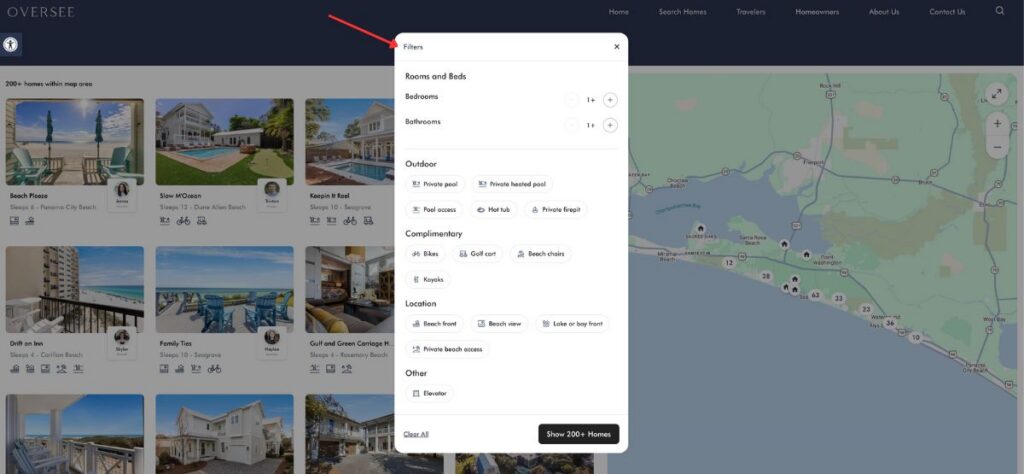
The filters guests actually use most:
• minimum bedrooms and bathrooms
• outdoor features like private pools, hot tubs, or firepits
• included extras such as bikes, golf carts, beach chairs, or kayaks
• location types like beachfront, beach view, or lake and bay front
Smart filtering tips:
• start broad, then narrow gradually
• stacking too many filters can quietly remove great options
• filters perform best after dates are selected
PREFER VISUAL PLANNING?
USE MAP SEARCH
Some guests like to see it all laid out. Map view shows exactly where homes sit along 30A, making proximity easy to understand at a glance.
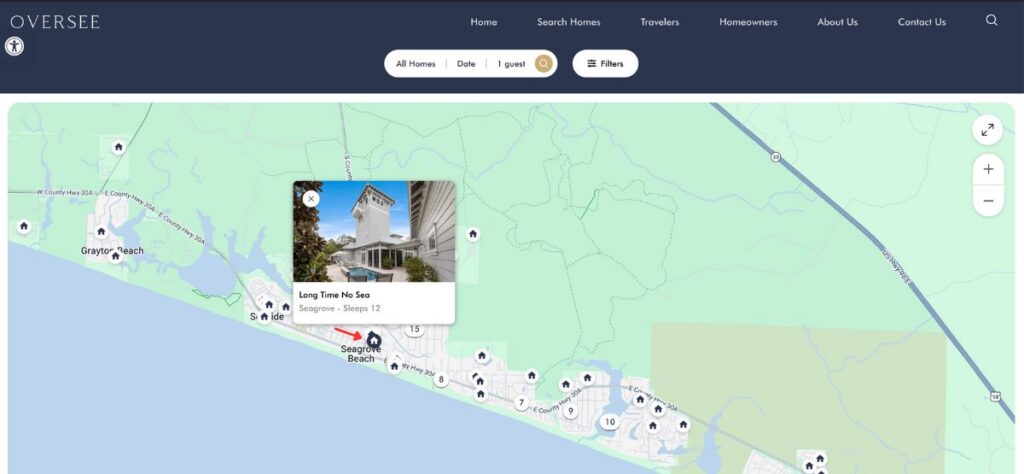
Why map view builds confidence:
• distance to the beach
• relationship to specific communities
• nearby amenities and surroundings
It’s especially useful for repeat visitors and visual planners. Guests can zoom in and out, select homes directly from the map, and switch seamlessly between map and list views.
FROM SEARCH RESULTS TO PROPERTY PAGE
WHAT MATTERS BEFORE BOOKING
Once a home catches your eye, the property page brings everything together.
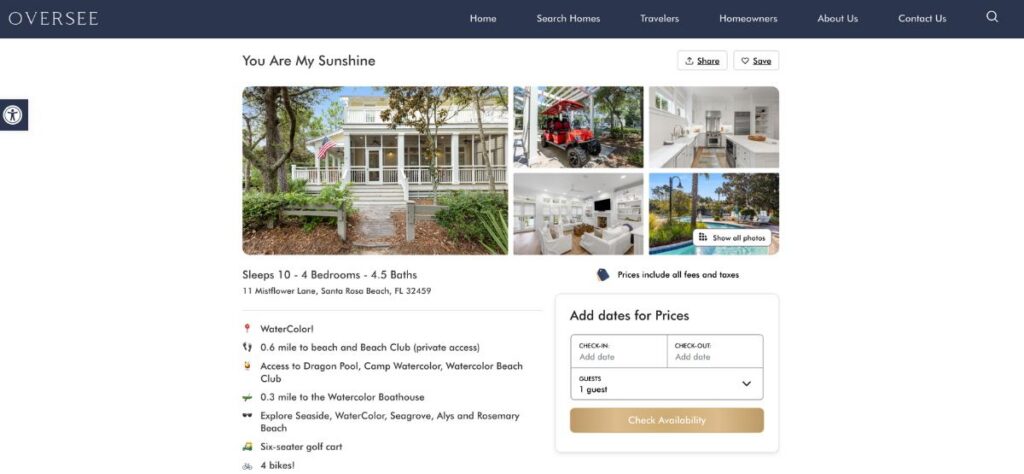
Here’s what it helps confirm:
• photo gallery — does the home fit your style?
• highlights — what sets this property apart
• amenities — confirmation of what’s included
• sleeping arrangements — comfort for every guest
• location map — see where the home sits
• house rules — pets, guest limits, arrival and departure details
• reviews — feedback from real guests
A few focused minutes here can prevent surprises later.
AVOID THESE COMMON MISTAKES
WHEN BOOKING A 30A RENTAL
Even seasoned travelers slip into these habits:
• choosing solely based on price
• overlooking beach access specifics
• skipping amenity-focused pages
• waiting too long during peak seasons
A thoughtful approach usually pays off with better options and fewer trade-offs.
CHOOSE THE SEARCH PATH
THAT FITS YOUR TRAVEL STYLE
There’s no single right way to search for a 30A vacation rental.
Area pages, amenity pages, global search, filters, and map view all work together. And guests can use them in whatever order makes sense.
Oversee is designed to adapt to how people plan, not the other way around.
Start exploring available homes and find the 30A stay that fits the way you travel (and plan).